Print specs belong in the file.
X-MAX Print brings non-ink material choices into the Adobe file, so the print shop receives the specifications with the design.
AUTOMATES AND FACILITATES THE PROCESS OF VISUAL DESIGN AND PRINTING
 Xmax1.mp4
OUR PLUG-IN ADVANTAGES
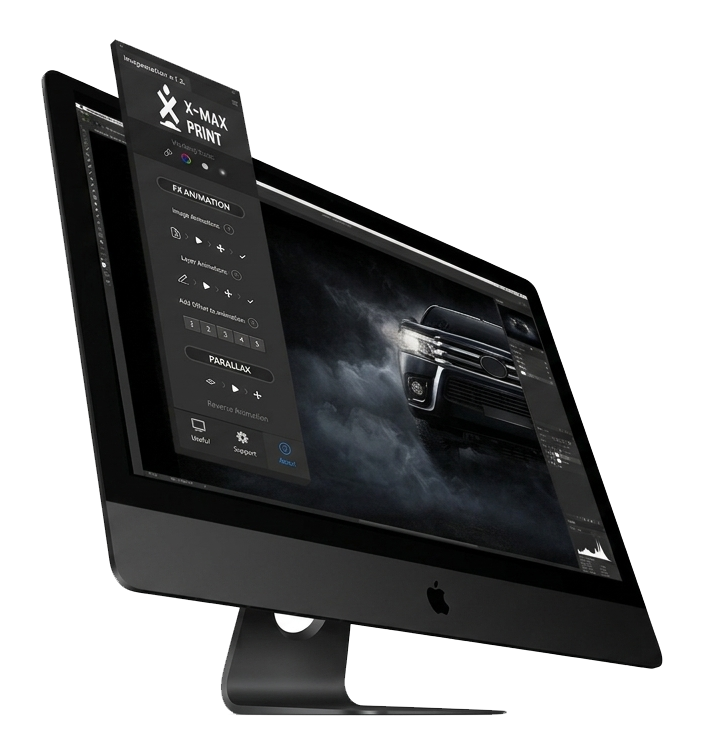
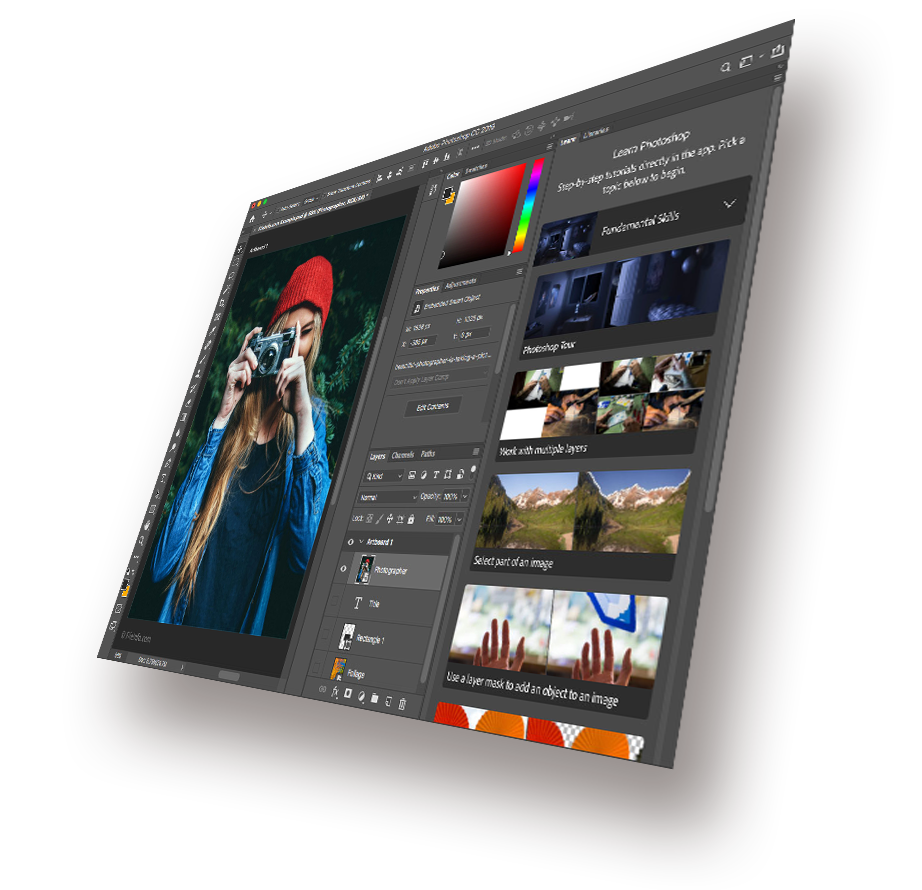
Available for All Adobe Creative Suite Products
Adobe Suite products like Photoshop or Illustrator can greatly automate the visual design process. However, they fall short when it comes to defining non-colour parameters of printing. For example, the type of paper or additional non-printable materials like varnish, resin and foil help improve the attractiveness of the printed item.
Current versions of these software tools do not include the option to define these parameters within the file like it is done for colour. As a result, Photoshop users have no other option but to negotiate all these details with print shops in order to define the right combination of specifications. This is tiring and time-consuming and is fraught with risks of misunderstanding, wastage, rework and delays.
Choose region
Choose the region for the printing material.
Choose type of material
Select the material from the unified directory.
Choose density
Define the printing parameters and save them INSIDE YOUR FILE.
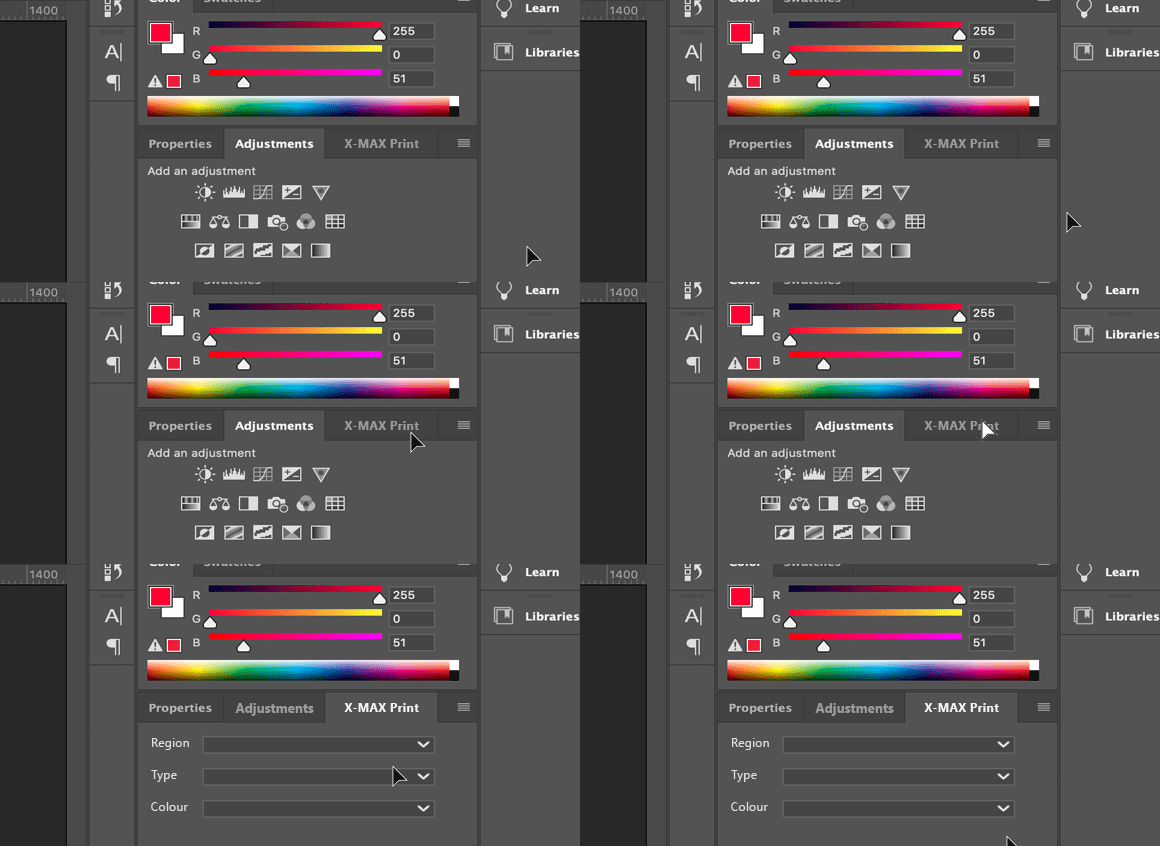
Choose the material parameters. Keep them in the file.
X-Max Print Plug-in is incorporated into all Adobe Creative Suite products. Just select to define the printing parameters and save them INSIDE YOUR FILE.
Select the properties of the printing material. Your choice will be stored in the file and will be readable for the printing service provider.
Print shop owners no longer need to discuss the specifications of the client’s order. Thanks to our directory, there is no risk of misunderstanding the requirements of customers and no need to align each step with the client. Just check out the available materials and proceed with the order.
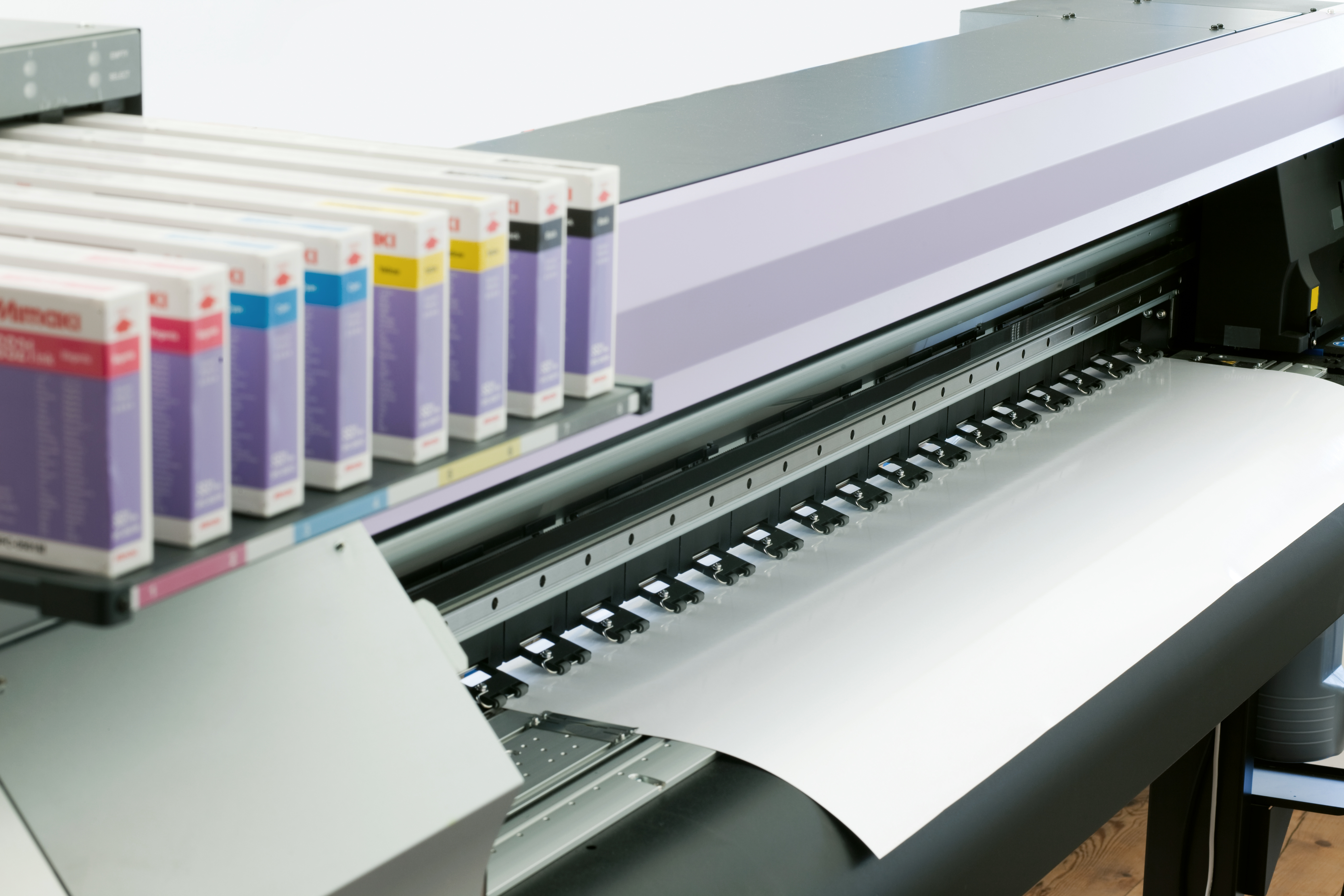
Keep production details with the design.
BEFORE XMAXPRINT
- 01Adobe Userstudy the non-printable materials from scattered resources.
- 02Creatorfinalize the Adobe file. The specs of non-printable materials are communicated to the print shop separately.
- 03Print Shopreceive all information from the creator and discuss each and every parameter of the printing order
- 04Print Shop and Designerthe process of design and printing is largely manual and imperfect.

WITH X-MAX PRINT
- 01Databasecompiled by manufacturers
- 02Plug-inlists with all existing types of paper and other non-printable materials
- 03Adobe Suite filespecifications of printing order are encoded in the file
- 04Creatorfinalize the file and send it to print shop
- 05Print Shopget all specs in a single file, check out the materials and execute the order
The plug-in is compatible with the leading products


People behind
the print.
X-MAX Print brings printing-material specifications into Adobe Creative Suite files, helping designers and print shops work from the same information.
Meet the team